
My best sessions with Claude Code all started the same way. Not with a clever prompt, but with a spec I’d read, argued with and fixed before a single line of code existed.
My worst sessions started with “build me a…” and twenty minutes later I was reading code that solved a slightly different problem than the one I had.
The difference is spec-driven development. It sounds formal. Really, it’s one Markdown file, written before the code, that you and the agent both agree on.
TLDR
Spec-driven development means agreeing on a written spec before the agent writes code. With Claude Code, the simplest version comes from Anthropic’s own docs: ask Claude to interview you until it could write the spec, save it as SPEC.md, then build from it in a fresh session. GitHub Spec Kit and Kiro add more structure. Whichever you use, read the spec closely, because it’s the cheapest place to fix a wrong assumption.
What a spec is, and why agents need one
A spec says what you’re building and what done looks like. Who it’s for, what it should do, what it shouldn’t, and how you’ll know it works.
People skipped specs for years because writing them was slow and nobody read them. Agents change both sides. Claude can draft a spec in a minute, and the spec isn’t just for people anymore: it’s the agent’s instructions. A vague prompt gives you a guess. A spec gives you something to check the code against.
The simplest way: Anthropic’s SPEC.md method
Anthropic’s guide to working well with Claude Code has a section on brainstorming with Claude first. The example prompt is the one I use almost word for word:
Interview me until you could write the spec, then write it to SPEC.md.Claude asks questions, one area at a time, until it understands the task. Then it writes SPEC.md. The same page says that once SPEC.md exists, you start a fresh session to build from it, so the build begins from the spec and not from a long, messy conversation.
The page also has a section on reviewing the work against your spec at the end. That closes the loop: the spec is the first thing written and the last thing checked.
This pairs well with plan mode. Switch into it with Shift+Tab or start a prompt with /plan, and Claude reads the spec and proposes a plan before touching code. I covered where those plans go in how to read Claude Code plans on a Mac.
More structure: GitHub Spec Kit
GitHub Spec Kit is an open source toolkit that turns spec-driven development into a set of steps the agent follows. It supports Claude Code, Copilot, Codex, Cursor, Gemini and others.
To set it up for Claude Code:
uv tool install specify-cli
specify init my-project --integration claude
Older guides use --ai claude. That flag was removed, so use --integration.
In Claude Code, Spec Kit’s commands run as skills, so you type them with a hyphen: /speckit-constitution for the project’s ground rules, /speckit-specify for the spec, /speckit-clarify to fill gaps, /speckit-plan for the technical plan, and /speckit-tasks to break it into tasks. Later steps run the tasks and check the code against the spec until they match.
Each feature gets its own folder, like specs/003-user-auth/, with spec.md, plan.md, tasks.md and a few supporting files. The project’s ground rules live in .specify/memory/constitution.md.
Spec Kit is a lot of process for a small change. For a real feature with several moving parts, the structure pays off.
Kiro-style specs
Kiro builds specs into the editor. Every spec gets a folder under .kiro/specs/, like .kiro/specs/user-authentication/, with three files: requirements.md, design.md and tasks.md.
Requirements use a strict pattern called EARS notation: “WHEN [condition] THE SYSTEM SHALL [behavior]”. I like borrowing that even outside Kiro. It’s hard to write a vague requirement in that shape.
How I review a spec
Whichever tool writes it, the spec is a Markdown file, and reading it well is the whole point. These are the questions I ask:
- Does the first paragraph say what I meant? If the summary is off, everything below it will be too.
- Is “done” testable? “Fast” isn’t. “Under 200 ms for 95% of requests” is.
- What’s out of scope? A good spec says what it won’t do. If that section is missing, the agent will decide for you.
- What did the agent assume? Look for choices you never made, like a new dependency or a data model you didn’t ask for.
- What’s still open? Open questions belong in the spec, answered, before the build.
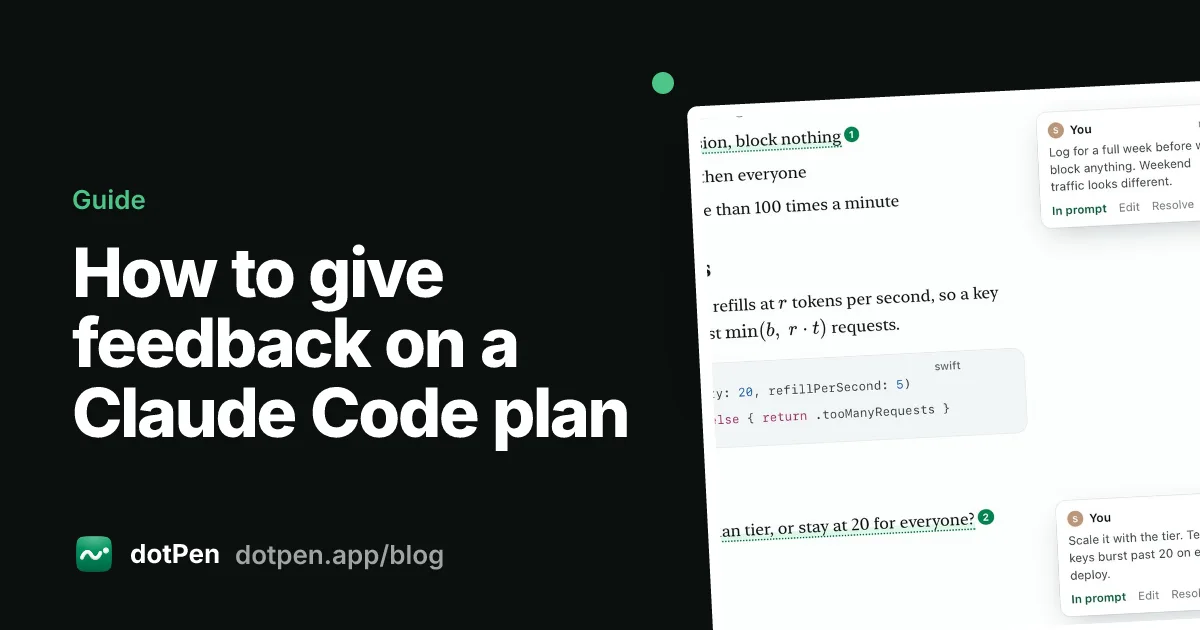
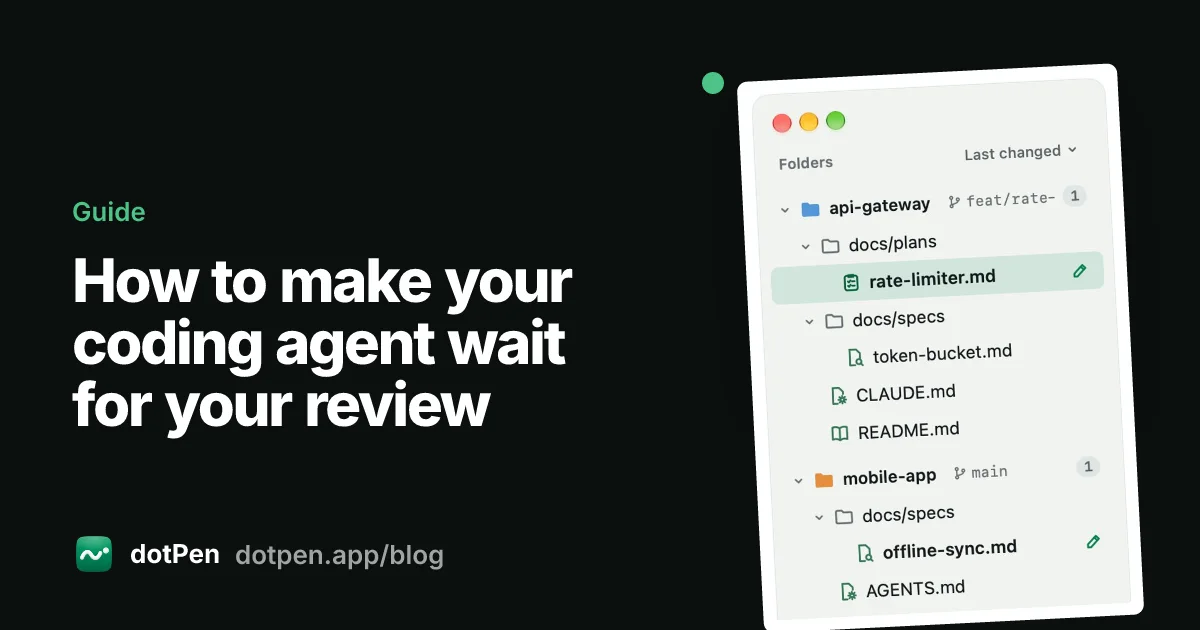
I read specs in dotPen, the Markdown reader we build for agent files. It recognizes specs by name and folder, so anything in specs/ or named like design.md gets a spec icon in the file list. I leave comments on the exact lines I want changed and send them back to Claude in one go, which I wrote about in how to give feedback on a Claude Code plan.
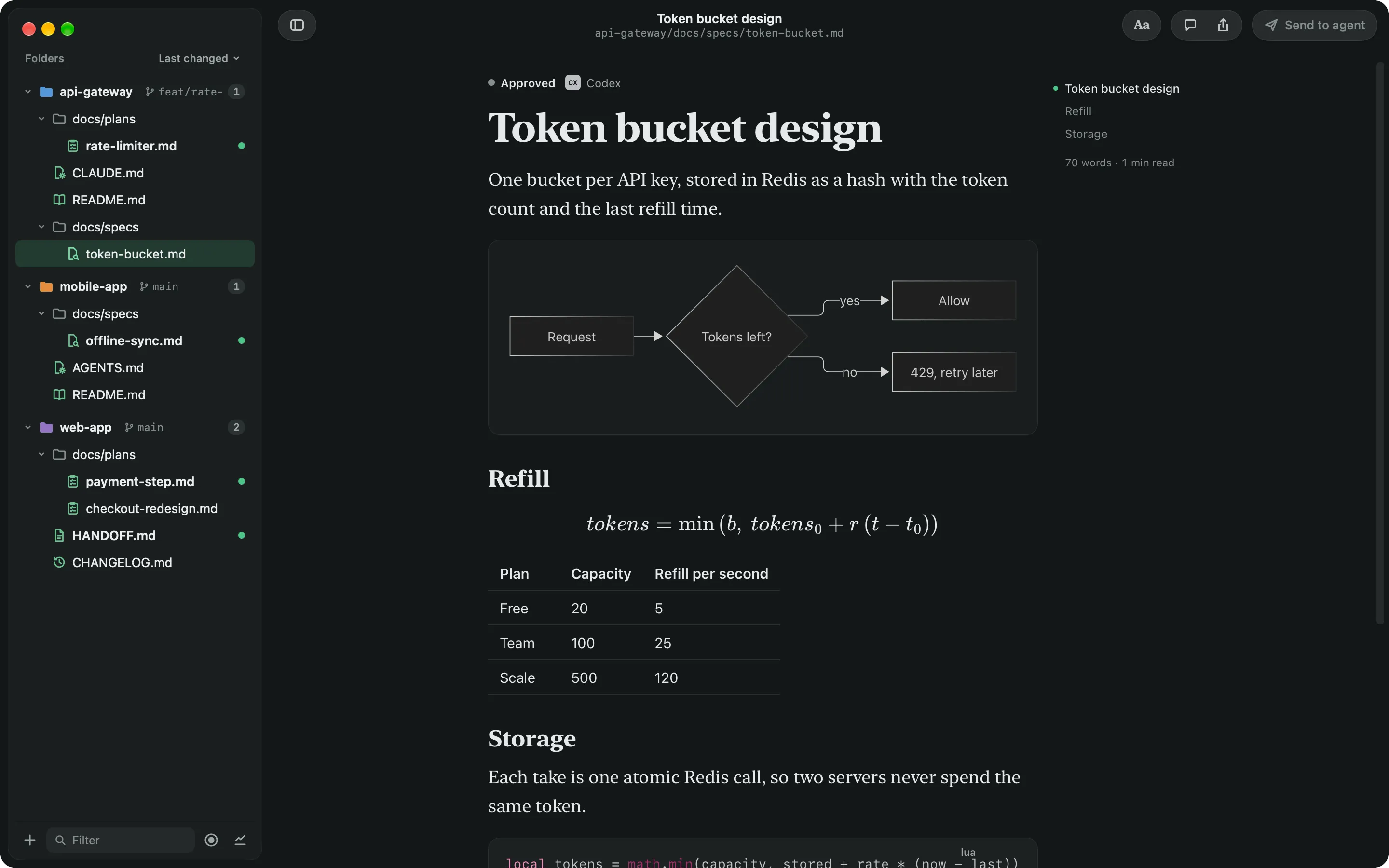
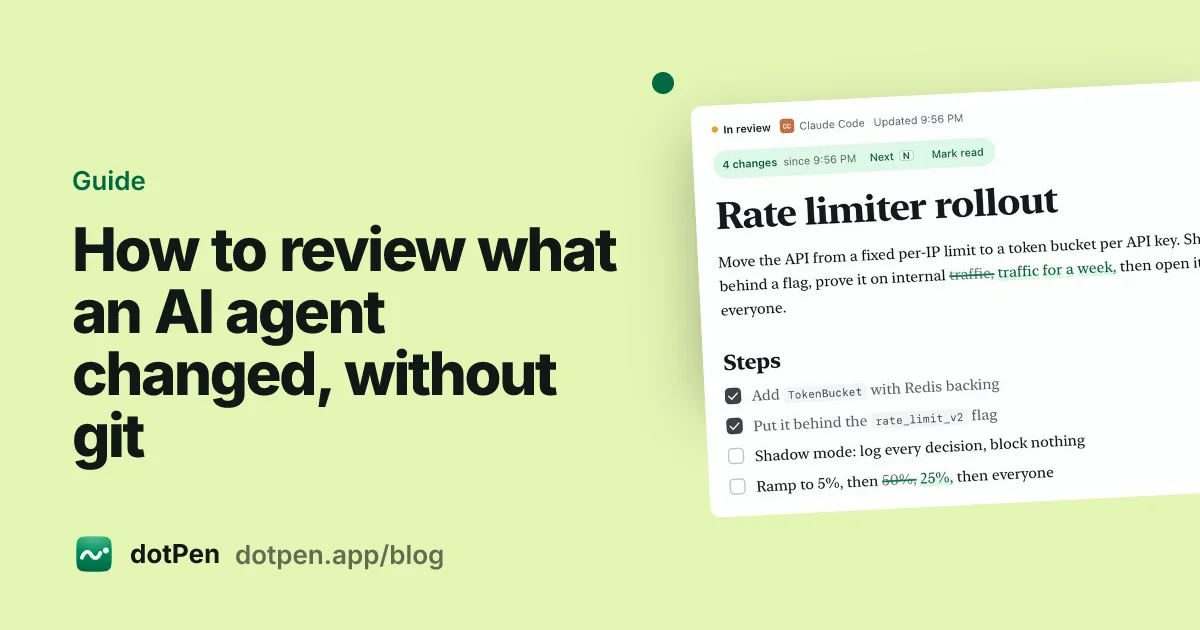
When Claude revises the spec, dotPen marks exactly what changed since I last read it. That’s how I check the agent only changed what I asked. More in how to review what an AI agent changed, without git.
Make the agent wait for the spec review
The risk with any spec process is the agent moving straight from spec to code before you’ve read it. If you use dotPen’s agent bridge, you can add a line to CLAUDE.md telling Claude to ask for your review after it writes a spec, and wait until you’re done. The setup is in how to make your coding agent wait for your review.
Start small. Next time you’d type “build me a…”, type the interview prompt instead and read the spec it writes. It takes ten minutes, and it’s the cheapest ten minutes of the whole task. You can see the rest of what dotPen does on the features page.
Questions
- What is spec-driven development?
- Writing down what a feature should do, and agreeing on it, before an AI agent writes the code. The spec becomes the agent's instructions and the thing you check the result against.
- How do I write a spec with Claude Code?
- Anthropic's Claude Code docs suggest asking Claude to interview you until it could write the spec, then write it to SPEC.md. Once SPEC.md exists, start a fresh session and build from it.
- Does GitHub Spec Kit work with Claude Code?
- Yes. Install it with uv tool install specify-cli, then run specify init with --integration claude. In Claude Code its commands run as skills, like /speckit-specify and /speckit-plan.
- What files does Kiro create for a spec?
- Each Kiro spec gets its own folder under .kiro/specs/ with three files, requirements.md, design.md and tasks.md.