
The first week I used Claude Code for real work, I kept missing the moment. I’d ask for a spec, switch windows for two minutes, and come back to find the spec written, approved by nobody, and half the code already done.
Nothing went wrong, exactly. The agent did what I asked. But the most useful review is the one before the code, and I kept arriving after it.
So now my agents ask me first. They write the file, tell dotPen they want a review, and wait. I read it, leave comments, press one button, and they carry on with my comments as their next instruction.
TLDR
Plan mode makes Claude Code stop once, before it edits anything. To make any agent wait for you at other points, give it a tool that blocks until you answer. dotPen’s MCP bridge has two: request_review shows the file to you, and wait_for_review waits until you press Done Reviewing, then hands your comments back. Add one line to CLAUDE.md or AGENTS.md saying when to call them.
What Claude Code already gives you
Claude Code has a few ways to stop and ask you something:
- Plan mode: switch into it with Shift+Tab, and Claude researches and writes a plan, then can’t edit files until you approve. I wrote about keeping and reading those plans in how to read Claude Code plans on a Mac.
- Permission prompts: Claude asks before tools you haven’t allowed, like running a command.
- AskUserQuestion: Claude can ask you a multiple-choice question when something is unclear.
- Hooks: a
PreToolUsehook can hand any tool call back to you to approve.
All of these are good at “may I?” None of them is built for “read this file and tell me what to change”. Plan mode only covers the start of a task, and it doesn’t help with what comes after:
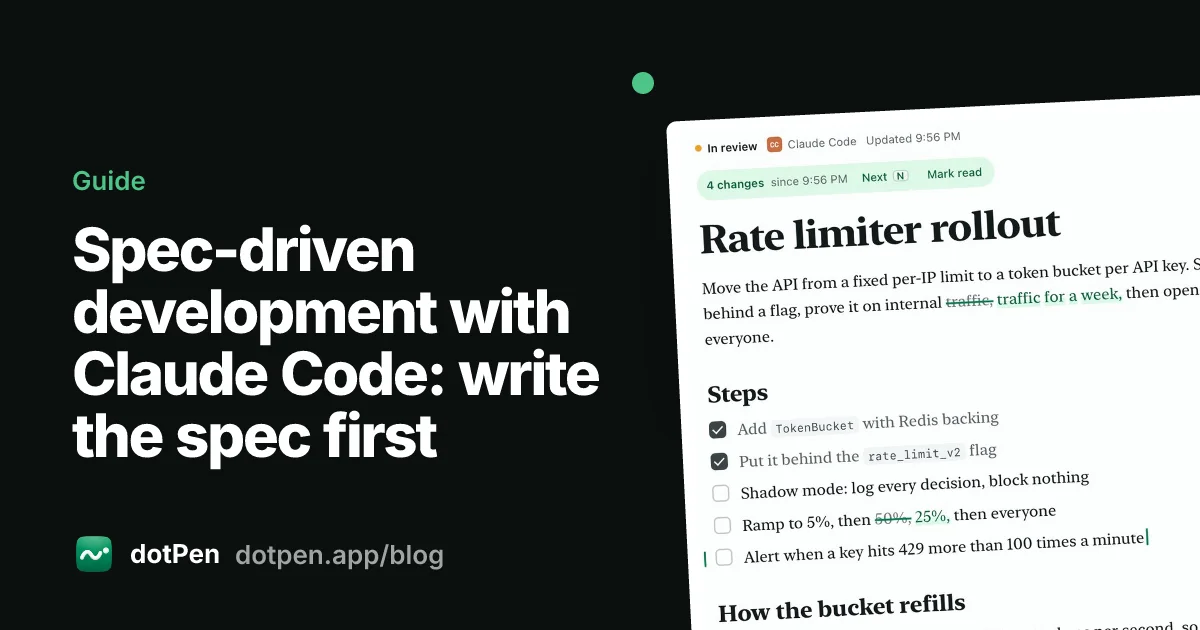
- A spec the agent writes halfway through, once it understands the problem.
- A migration plan it drafts before touching the database.
- A handoff note at the end that you want to check before it opens a pull request.
For those, the agent is already in the middle of working. It needs a way to stop, show you a file, and wait for your answer, without you watching the terminal.
How an agent can wait for a person
Coding agents talk to outside tools through MCP, the Model Context Protocol. When an agent calls an MCP tool, it waits for the result before it does anything else.
That’s the whole trick. If a tool only answers once a person has responded, calling it makes the agent wait for the person. This is what people mean by a human in the loop.
dotPen, the Markdown reader for Mac we build for reviewing agent work, runs a small MCP server on your Mac called the agent bridge. Two of its tools are for exactly this:
request_review: the agent passes the path of a Markdown file, and an optional note like “check the rollback step”. dotPen shows the file to you with a notice at the top, and returns a review id.
wait_for_review: the agent passes that id and waits. When you press Done Reviewing, it gets your comments back, each with its line and the exact text it points at, plus an instruction to make each change and mark it resolved.
The file has to be in a folder dotPen watches. If it isn’t, request_review says so instead of pretending to work.
Why the wait is 50 seconds at a time
Agents don’t like tools that hang forever. So wait_for_review waits up to 50 seconds per call. If you haven’t finished, it tells the agent you’re still reviewing and to call again, and the agent does.
From your side, it just looks like the agent is patient. You can take five minutes or an hour. If you quit dotPen in the middle, the agent hears that the review is gone and asks again once dotPen is back.
Set it up in Claude Code
- In dotPen, open Settings, then Integrations, and turn on Agent bridge.
- Copy the Claude Code command and run it once in Terminal:
claude mcp add --transport http --scope user dotpen http://127.0.0.1:47319/mcpThe --scope user part adds dotPen for every project. The server only listens on your own Mac, at 127.0.0.1.
- Tell Claude when to ask. Add a short section to your project’s
CLAUDE.md:
## Reviews

After you write or rewrite a plan, spec or handoff in docs/,
call the dotpen request_review tool with its path. Then call
wait_for_review until it returns. Make each change from my
comments, call resolve_comment for each one, then continue.
That’s it. The next time Claude writes one of those files, it stops and waits.
For Codex, Gemini CLI and Cursor, the same Settings screen has the matching command or config entry. Put the instruction in AGENTS.md instead of CLAUDE.md for agents that read that file.
What you see when an agent asks
dotPen puts a badge on its Dock icon with the number of files waiting for you. Open the file and a notice at the top says which agent asked for your review, with its note if it left one. If it didn’t, the notice says to comment on anything you’d change.
From there it’s a normal review. Changes since you last read the file are marked. You select any line, press C and leave a comment in the margin.
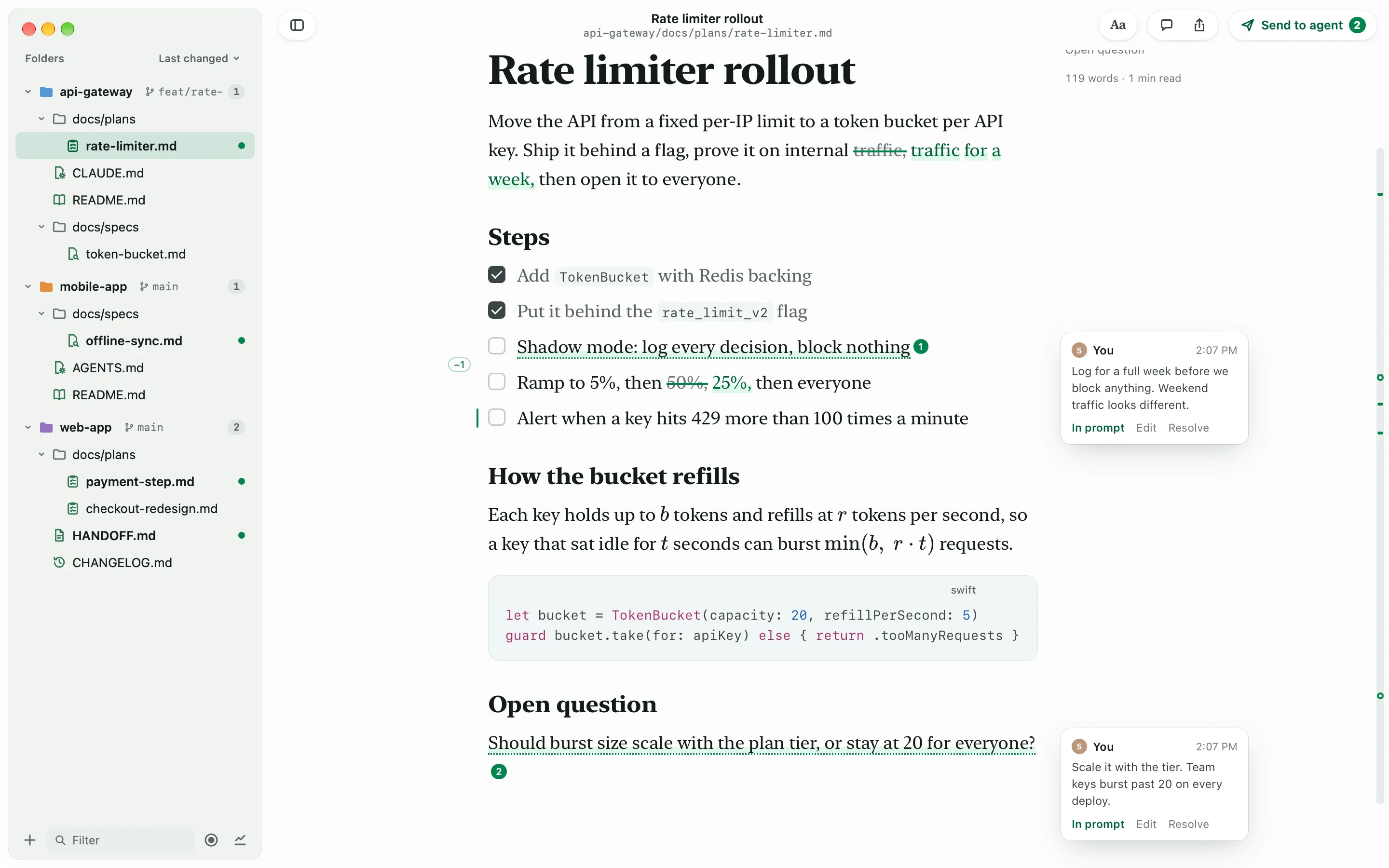
When you’re done, press Done Reviewing in the notice. Every comment you left goes back to the agent at once. If you read the file and have nothing to change, press it anyway, and the agent hears exactly that and moves on.
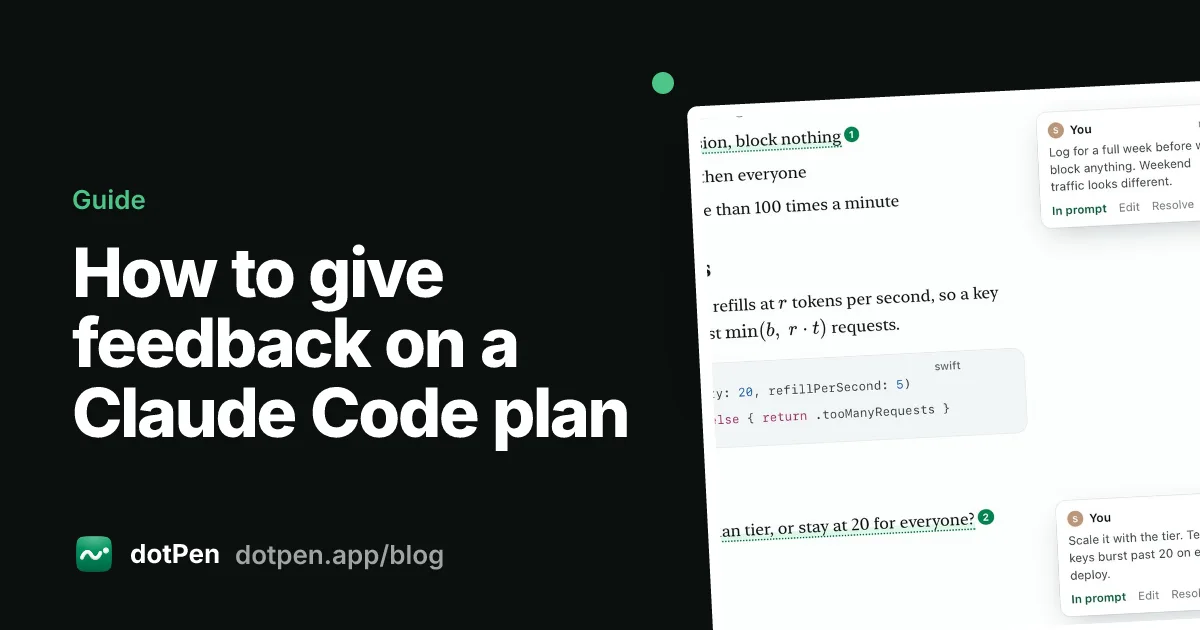
I covered how I write those comments in how to give feedback on a Claude Code plan.
Where I put review points
Asking for a review on every file gets old fast. These are the moments I want a stop:
- Before any database change. Migration plans get a review, always.
- When a spec changes scope. If the agent decides the task is bigger than I asked, I want to know before it builds the bigger thing.
- Before a pull request. The handoff note is my last chance to catch a wrong assumption cheaply.
Everything else, I read later, with the changes marked. That’s in how to review what an AI agent changed, without git. You can see every part of the bridge on the features page.
The point isn’t to slow the agent down. It’s to put your attention where it costs the least: on a Markdown file, before the code exists.
Questions
- How do I make Claude Code wait for my approval?
- Plan mode makes Claude Code stop and ask before it edits anything. To make it wait at other points, connect an MCP tool that blocks until you respond, like dotPen's request_review and wait_for_review, and tell Claude in CLAUDE.md when to use them.
- What happens if I take a long time to review?
- Nothing breaks. wait_for_review waits up to 50 seconds per call and tells the agent you're still reviewing, so the agent calls it again. It keeps waiting until you press Done Reviewing.
- What does the agent get back when I'm done?
- Your open comments on the file, each with its line and quoted text. If you left none, it hears that you read the file and have nothing to change.
- Does this work with agents other than Claude Code?
- Yes. Any agent that supports MCP over HTTP can use the bridge. dotPen's Settings has a setup command for Claude Code, Codex and Gemini CLI, and a config entry for Cursor.