Where Codex keeps its plans and sessions, and how to read them
I went looking for a folder of Codex plans, like the one Claude Code keeps, and there isn't one. Where Codex keeps plans and sessions, and how I get its plans into Markdown files.

After I wrote about where Claude Code keeps its plans, a few people asked the same question about Codex. So I went looking for the Codex version of ~/.claude/plans.
There isn’t one. Codex has a plan mode, and it writes good plans, but it doesn’t save them as files. The plan lives in the conversation, and when the conversation scrolls away, so does the plan.
That changes how you keep them. Here’s where Codex keeps plans and sessions, and the three ways I get a Codex plan into a Markdown file I can actually read and review.
TLDR
Codex plan mode, which you turn on with /plan or Shift+Tab, keeps the plan in the conversation, not in a file. Codex keeps its own state in ~/.codex, which the CODEX_HOME variable can move. To keep a plan, type /export to save the conversation as Markdown, or add a line to AGENTS.md telling Codex to write every plan to a file like docs/plans/name.md. Then open that folder in a Markdown viewer.
How plan mode works in Codex
According to OpenAI’s Codex docs, plan mode lets Codex gather context, ask clarifying questions and build a stronger plan before it changes anything. You turn it on with /plan or Shift+Tab, in the Codex CLI and the other places Codex runs.
You can also put the request right after the command:
/plan Propose a migration plan for this serviceOne catch from the docs: while Codex is already working, /plan isn’t available. Switch into plan mode before you send the request, not halfway through.
When the plan is ready, the CLI asks whether to go ahead and build it or stay in plan mode and keep refining. Either way, the plan itself is a block of text in the conversation.
Where Codex keeps its state
Codex keeps everything local under one folder. The docs call it CODEX_HOME, and it defaults to ~/.codex. That’s where your config.toml, your login, logs and history live.
For transcripts, the docs name ~/.codex/history.jsonl. Individual sessions are kept as JSONL files under ~/.codex/sessions, in folders by year, month and day. That’s the folder dotPen reads, with your permission, to tell which agent wrote a file.
Two things to know about these files:
- They’re not meant for reading. JSONL is one JSON object per line, every message and tool call in order. It’s useful for tools, not for you on a Tuesday morning.
- There’s a size cap on history. The
history.max_bytessetting capshistory.jsonl, and Codex drops the oldest entries when it’s over. You can also turn history off withpersistence = "none"under[history]inconfig.toml.
If you set CODEX_HOME to another folder, all of this moves with it.
To get back to an old conversation, you don’t need to dig through files:
codex resume
codex resume --last
The first shows a picker. The second reopens the most recent session from the folder you’re in.
Three ways to get a Codex plan into Markdown
1. Export the conversation
Inside a session, type /export, then choose Copy to clipboard or Save to file. Codex exports the full conversation as Markdown. You can also give it a file name directly:
/export session.mdThis is the quickest way, and it keeps the reasoning around the plan. The downside is that you get everything, not just the plan, so it’s better for an archive than for a review.
2. Ask Codex to write plans to a file
This is what I do. Codex reads AGENTS.md before it starts, so one instruction there changes how it plans in every session. According to the AGENTS.md docs, Codex reads a global one in ~/.codex and one per folder from your repo root down to where you’re working.
Add something like this to the AGENTS.md in your repo:
## Plans

When you make a plan, also write it to docs/plans/ as a
Markdown file named after the task, like
docs/plans/rate-limiter.md. Use headings for each phase and
a task list for the steps. When the plan changes, update the
same file instead of starting a new one.
Now every plan lands next to your code, as a real Markdown file you can read, commit, and compare later. The “update the same file” line matters. It means a revised plan replaces the old text, so you can see exactly what changed between versions.
3. Use an ExecPlan
OpenAI’s cookbook has an article on ExecPlans, long-running plans kept in a PLANS.md file that AGENTS.md points Codex to. It’s a pattern you set up yourself, and the article says Codex hasn’t been trained on it. It suits big, multi-day tasks where the plan is a living document.
For everyday plans, option 2 is lighter.
Read Codex plans rendered
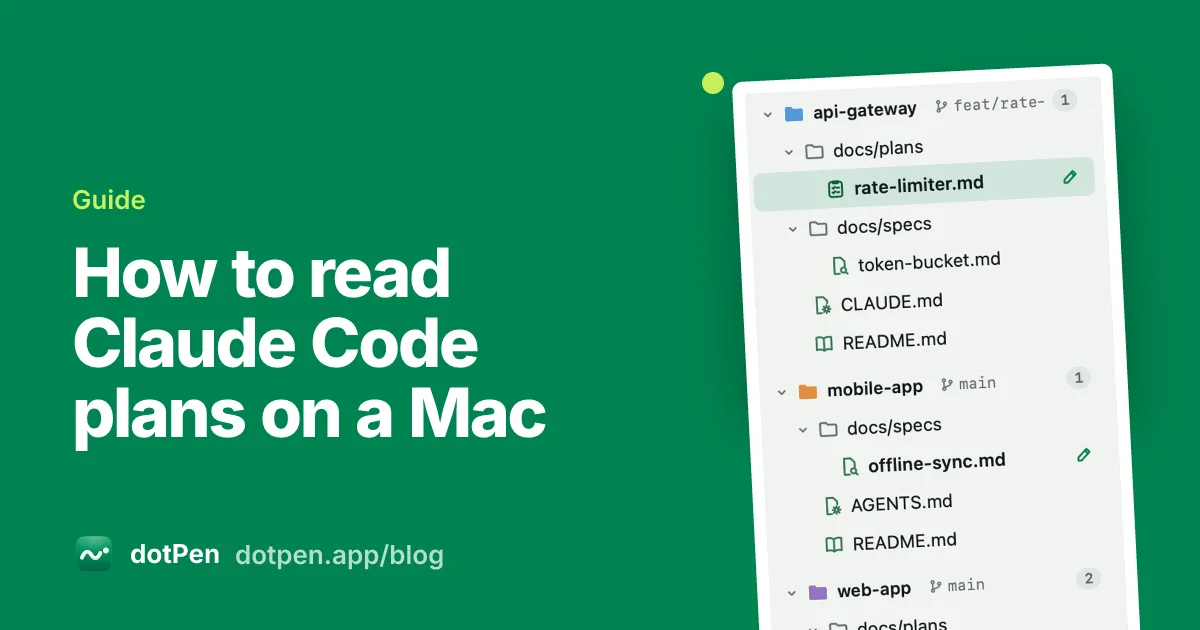
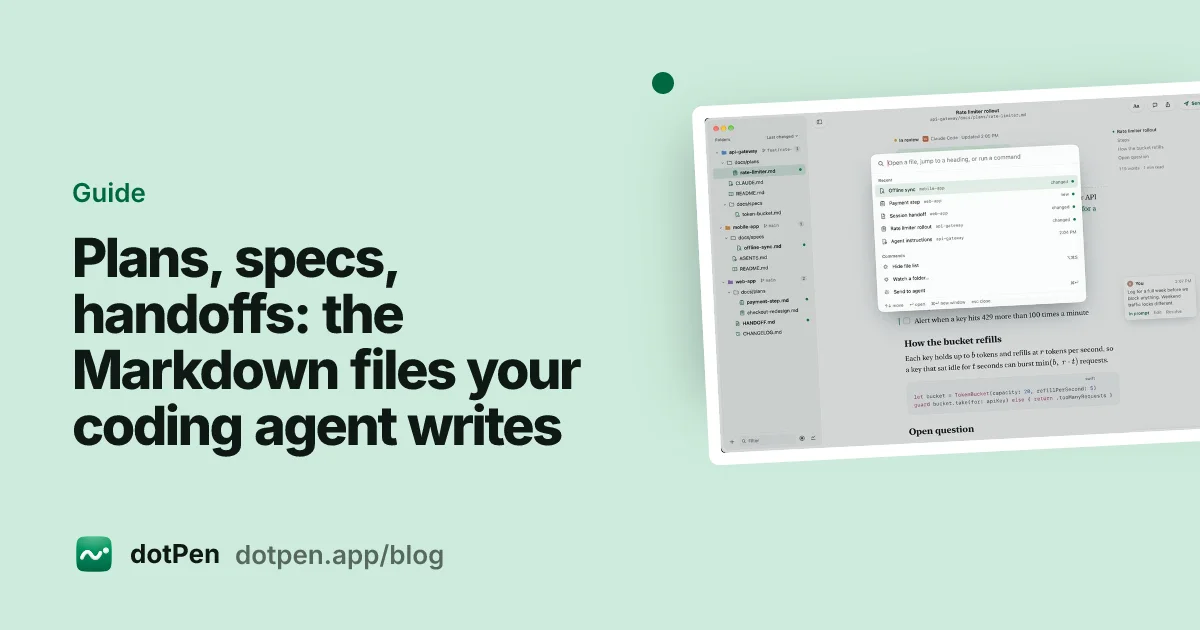
Once plans are files, reading them is the easy part. In dotPen, the Markdown reader we build for exactly this, I watch the repo once. Every plan Codex writes to docs/plans shows up in the file list, marked unread until I open it.
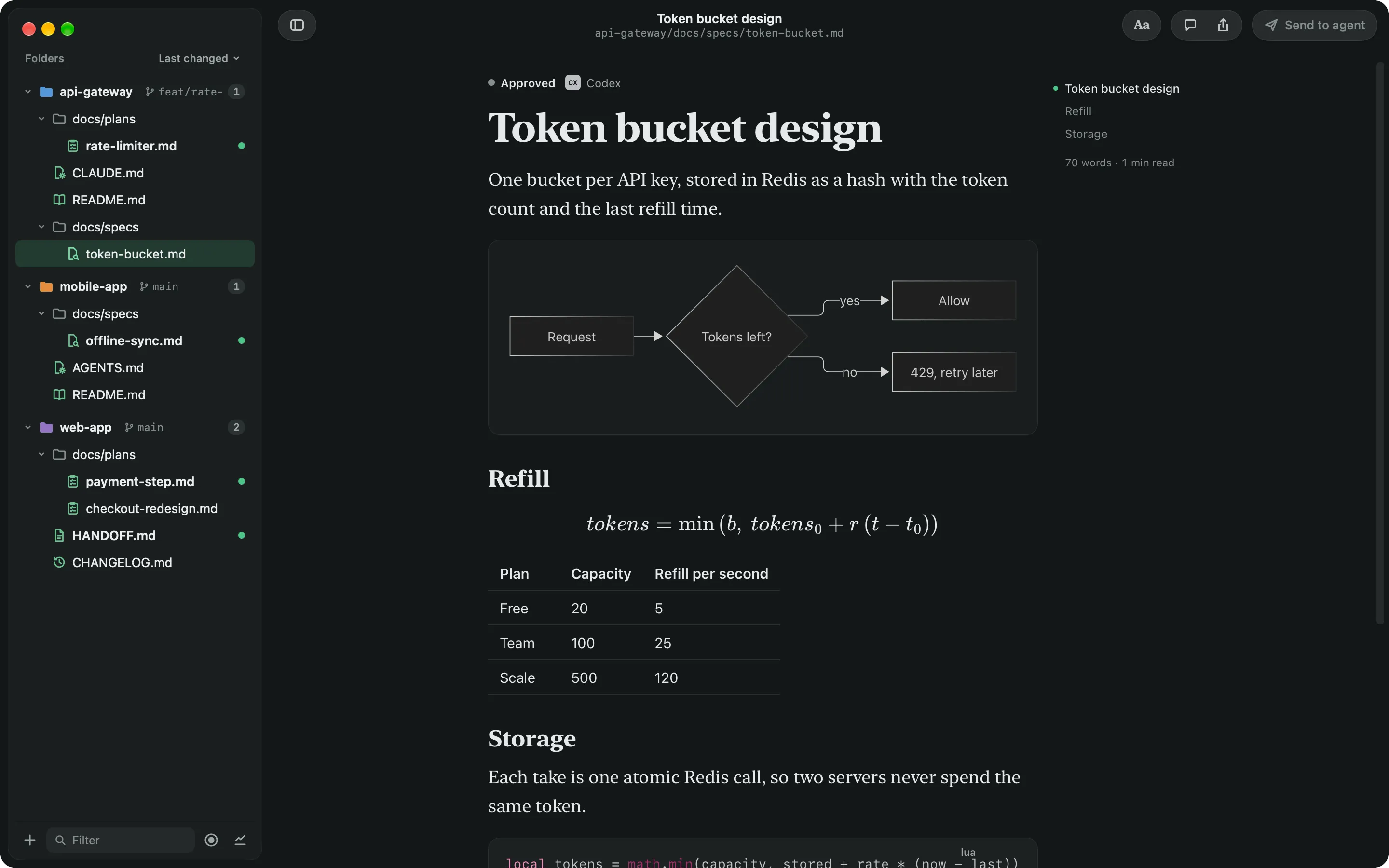
That’s a design doc Codex wrote. The Codex badge at the top comes from its session logs: turn on Codex sessions in Settings, under Integrations, and dotPen reads ~/.codex/sessions to name the agent behind each file.
When Codex revises the plan, dotPen marks what changed since I last read it, word by word, with no commit needed. That’s the part that makes option 2 worth it. I wrote more about it in how to review what an AI agent changed, without git.
Send feedback back to Codex
dotPen’s agent bridge works with Codex too. In Settings, under Integrations, turn on Agent bridge and copy the Codex command, which adds dotPen to ~/.codex/config.toml:
codex mcp add dotpen --url http://127.0.0.1:47319/mcpThen comment on any line of the plan in dotPen, and ask Codex to read your dotPen comments and update the plan. The full flow is in how to give feedback on a Claude Code plan, and it’s the same for Codex.
If you take one thing from this: add the plans line to your AGENTS.md today. It turns every Codex plan from a message you scroll past into a file you can come back to. You can see the rest of what dotPen does on the features page.
Questions
- Where does Codex save plans?
- It doesn't save them as files. A Codex plan lives in the conversation. To keep one, use /export to save the conversation as Markdown, or ask Codex to write the plan to a file in your project.
- Where are Codex session logs stored on a Mac?
- Under CODEX_HOME, which defaults to ~/.codex. Codex's docs name ~/.codex/history.jsonl for transcripts, and individual sessions are kept as JSONL files under ~/.codex/sessions, organized by date.
- How do I turn on plan mode in Codex?
- Type /plan or press Shift+Tab. You can also add a prompt right after the command, like /plan Propose a migration plan for this service.
- How do I resume a past Codex session?
- Run codex resume to pick a session, or codex resume --last to reopen the most recent one from the current folder.